
1. Decide what you want to look up later
If you want to remember which days you moved, the date and activity name come first. If you want to revisit a previous session, duration or repetitions may also be useful. Choose one question your journal should answer before choosing its fields.
You do not need meal notes, weight entries, and every exercise detail at once. Add information when you discover a reason to look for it.
2. Record the date, activity, and useful details
Use the date to locate a session and the activity name to identify it. Add walking time, running distance, or the weight, repetitions, and sets of an exercise if those details matter to you. Leave unknown numbers out.
The numbers below illustrate writing formats, not suggested workout amounts. Replace them with what you actually did. In Daily Body, these details are keyword text; numbers in a phrase are not automatically parsed into workout metrics.
| Activity | A simple start | Optional detail |
|---|---|---|
| Walking | Walking | Walking 20 min · local park |
| Home workout | Stretching, squats | Stretching 5 min, squats 10 reps × 2 sets |
| Gym | Leg press, lat pulldown | Leg press 40 kg · 10 reps × 3 sets |
| Running | Running | Running 2 km · evening |
3. Give titles, times, and keywords different jobs
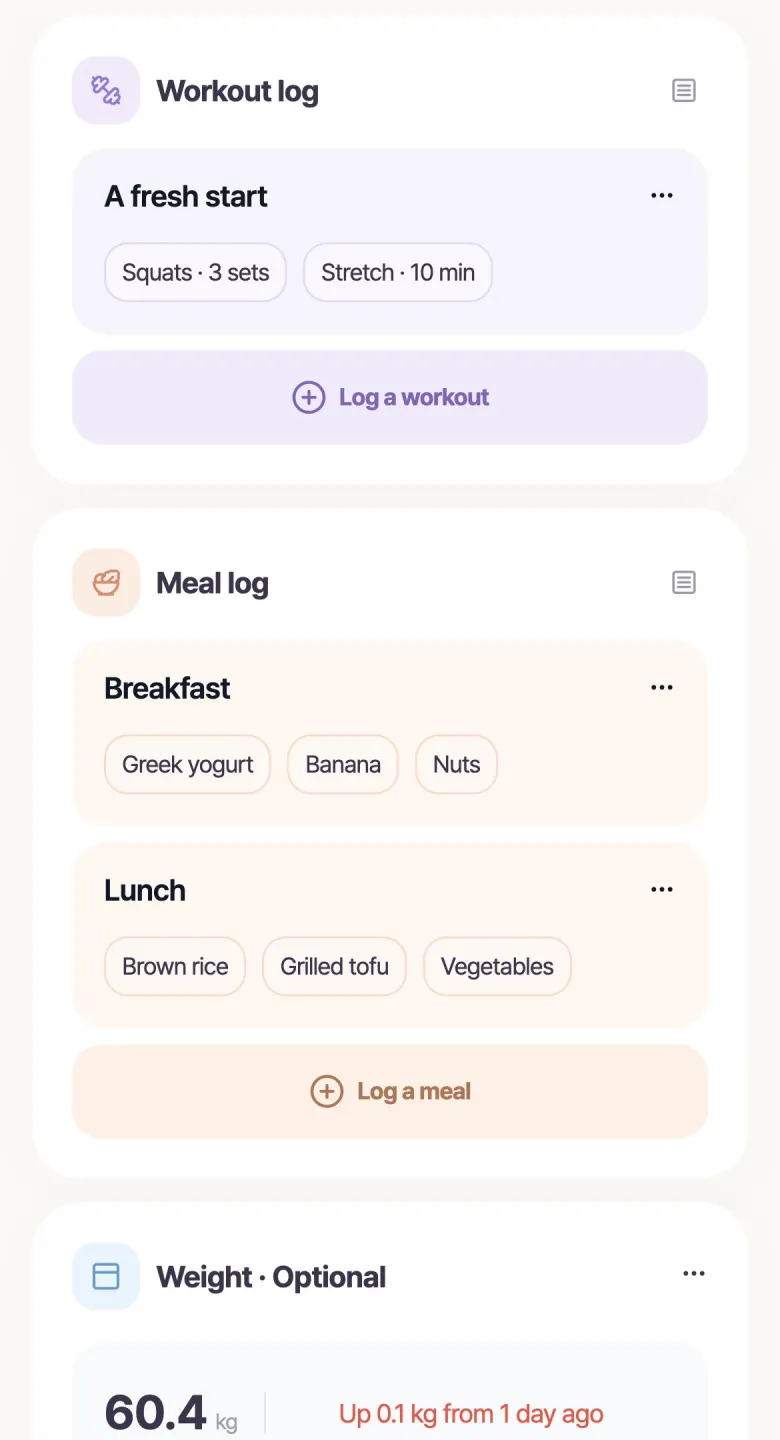
Use a title such as “After-work gym” for context and keywords such as “Walking 20 min” for activities. Daily Body lets you enter the title and time separately. You can also leave the time blank when you do not remember it.
A clock time and a duration answer different questions: 7 p.m. is when, while 20 minutes is how long. Put the clock time in the time field and the duration in the activity keyword.
4. Keep activity names consistent
Alternating between “Walk,” “Walking,” and “Evening stroll” gives you more names to look through later. Choose familiar wording and reuse recent or favorite keywords in Daily Body to reduce typing.
Check reused details against today’s session. A previous duration or repetition count may no longer fit. Reports that group keyword phrases may also treat “Walking” and “Walking 20 min” as different entries, so choose wording that suits the comparison you want to make.
5. Read a week of entries before adding more fields
After a few entries, open a date on the monthly calendar and read it again. If it tells you what happened, the log is already useful. If you find yourself asking how long a walk lasted, add duration to the next entry.
Keep changes in your writing format in mind when comparing older and newer records. Let actual use shape the journal rather than designing a complete form before your first entry.
- Check whether you recognize the activity from the entry.
- Add only the details you tried to look up.
- Simplify fields that make logging feel cumbersome.
Start with one activity in Daily Body
Daily Body suits a short workout journal: enter a title, an optional time, and activity keywords, reuse familiar phrases, then revisit records by date. Meals and weight can share the same app when you want them. Begin with one activity you want to remember from today.