

Key Takeaways
- Savings leave your checking account, but they are different from money consumed by everyday spending.
- Track savings separately to keep your true cost of living accurate.
- Do not count a simple transfer between your own accounts as both new income and a new expense.
If savings leave your account, why are they not ordinary spending?
Savings leave your checking account, but they are not consumed like rent, food, or transportation. For a practical household budget, tracking savings separately keeps your cost of living accurate.
Suppose your monthly income is $3,000, your living expenses are $1,800, and you move $700 to savings. Combining the last two numbers would make your cost of living look like $2,500 and hide the difference between consumption and money kept for later.
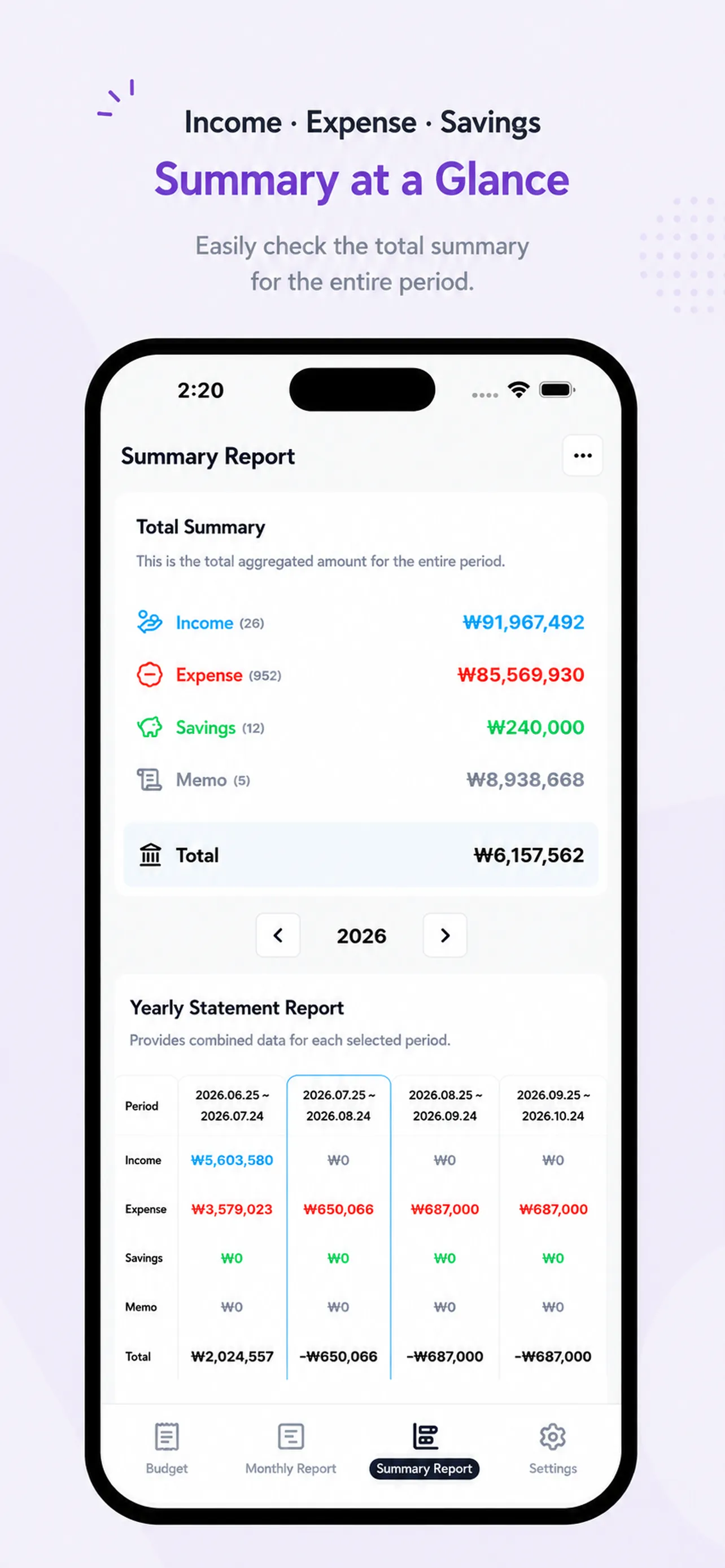
1. Spending, savings, and account transfers serve different purposes
- Consumption: money used for rent, food, transportation, and other living costs
- Savings: money set aside for future use or an emergency fund
- Account transfer: money that only changes location between accounts you own
The useful rule is the one that lets your personal budget show both current consumption and progress toward future goals.
2. What goes wrong when savings are mixed with expenses
Your living costs look higher than they really are, adjustable areas such as food and shopping become harder to see, and your monthly saving progress disappears inside one large expense total.
3. Split payday into income, savings, and spending
Record your paycheck as income, money set aside as a separate transfer or savings entry, and rent or groceries as expenses. If money simply moves between two accounts you own, do not create both new income and a new expense. Add a memo only when you need context later.
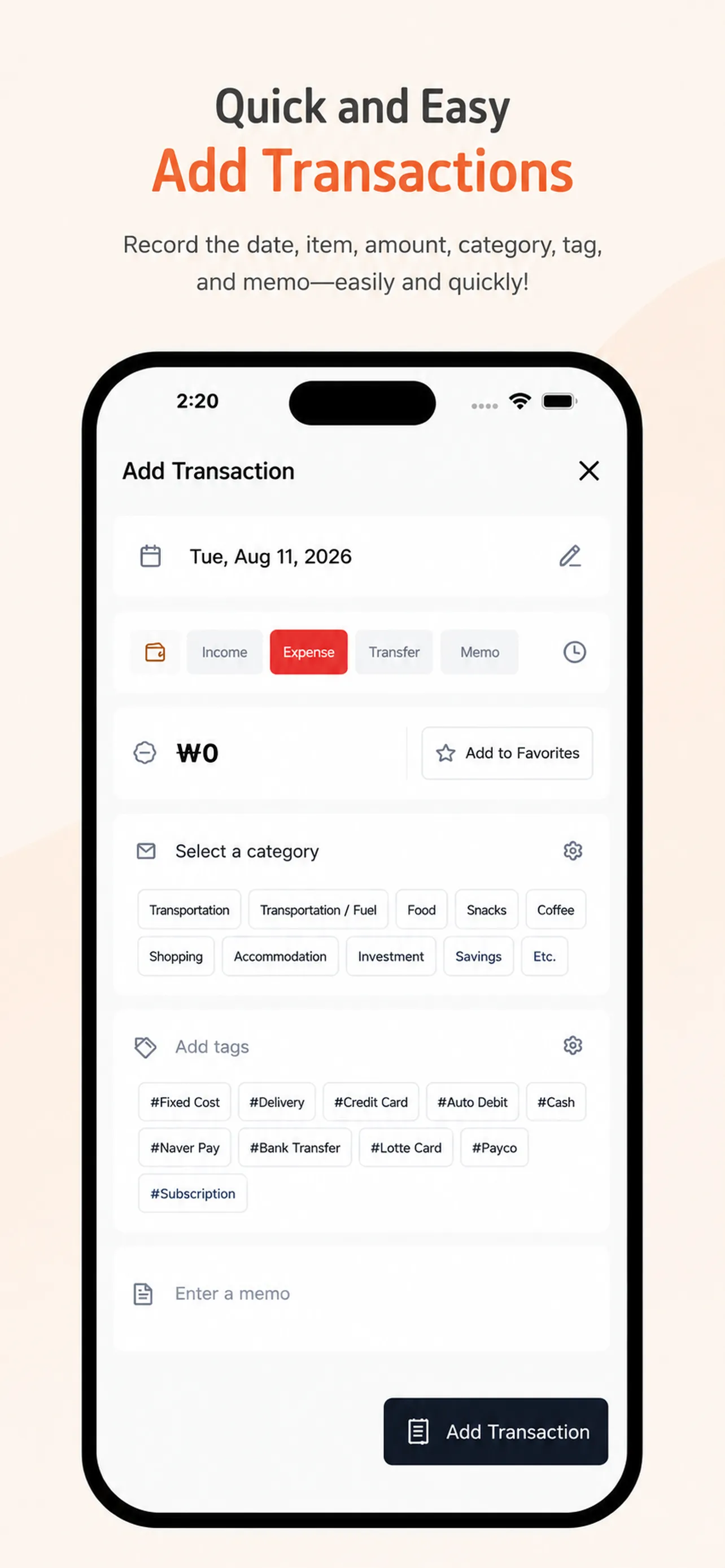
4. Compare this month with your own previous month
Instead of comparing your savings with someone else, check whether your spending changed and whether the amount set aside stayed consistent. Review the reason for a change before deciding what to adjust next month.
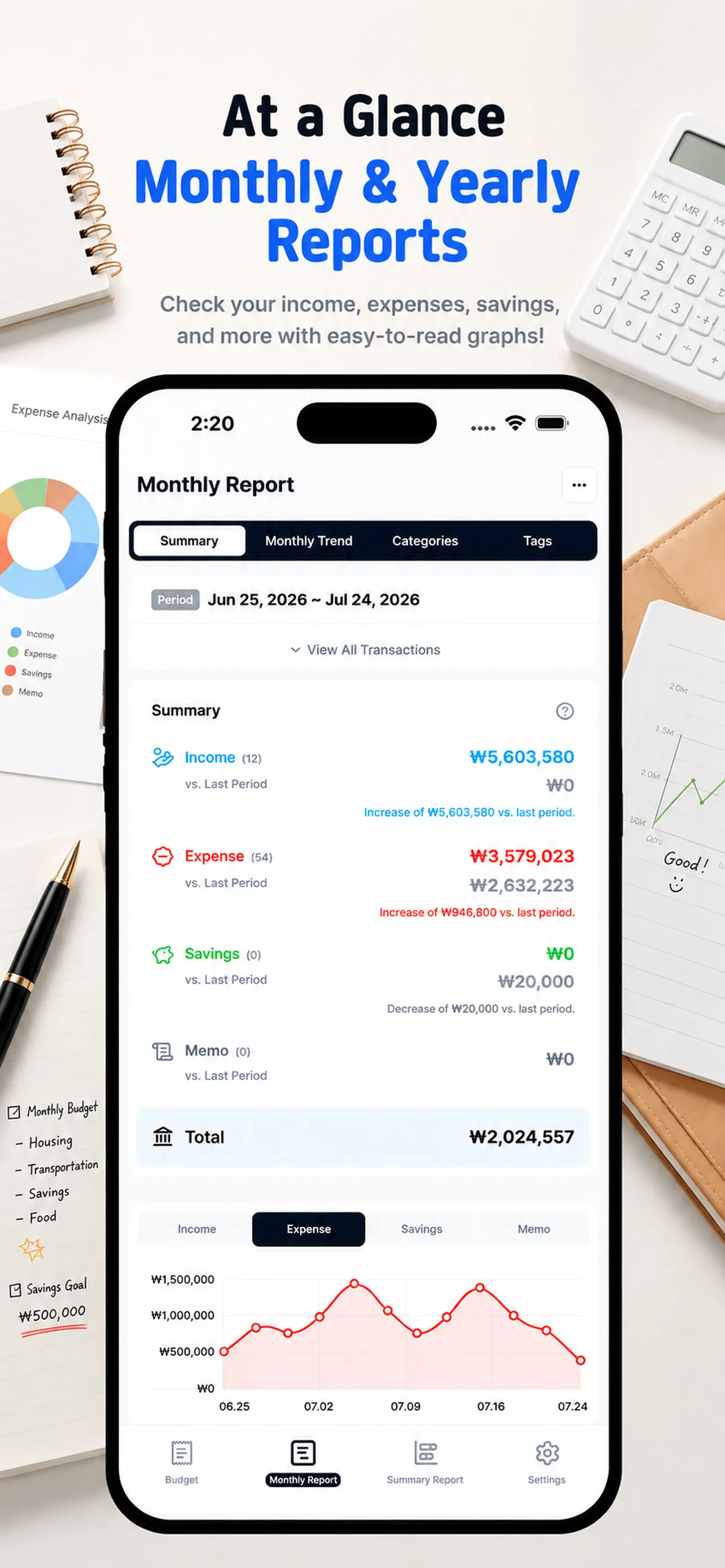
Separate spending and savings with Money Tracker
Money Tracker separates income, expenses, transfers or savings, and memos so you can review them in monthly and summary reports. Continue with our 10-minute monthly budget review to turn those records into a plan for next month.
On your next payday, keep living costs and savings on separate lines. Open Money Tracker and build a clearer view of your cash flow.
It’s easier than writing everything in detail, and it looks neat and clean.
ks***
It has exactly the features I wanted. SMS-linked apps are convenient for input, but hard to manage. This one shows income, expenses, and savings clearly in reports.
hp***
Finally settled on a budget app! I purchased it within an hour. I don’t like complicated things, and I especially love how the categories are auto-organized.
hs***