
A familiar true-or-false game can feel different when the first screen, answer controls, and end-of-run moment are redesigned together. The 3-Second Speed Quiz refresh gives that whole journey a bright arcade identity while keeping quick judgment at the center.
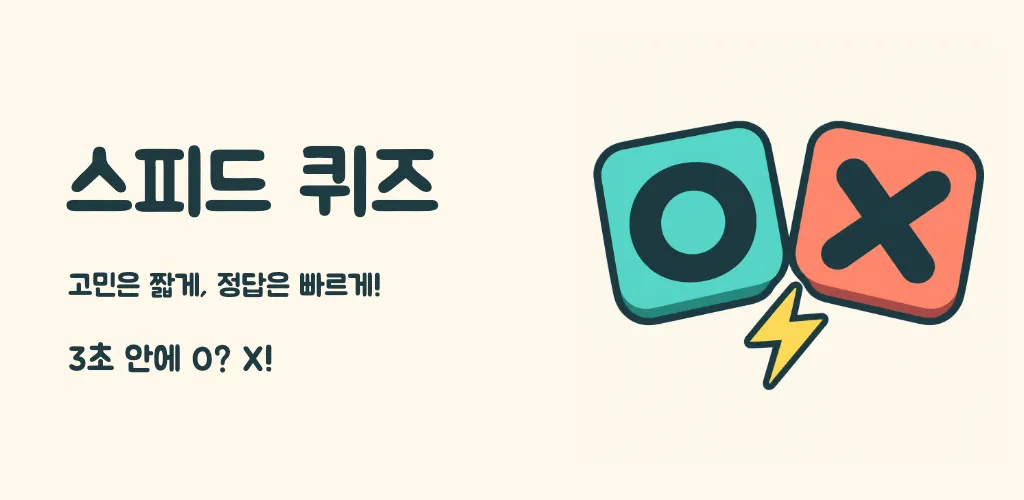
A brighter arcade identity
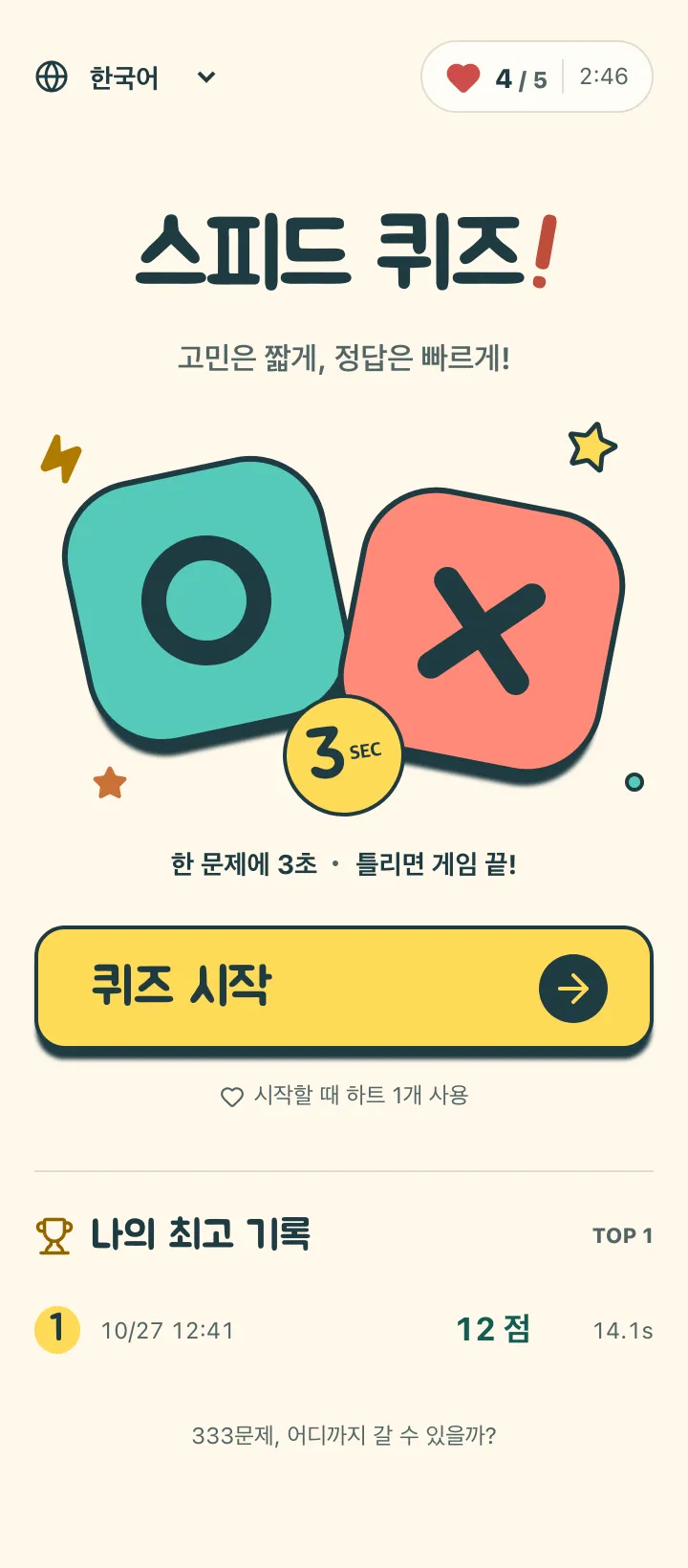
The new look starts with a warm cream canvas. Mint O and coral X form the main visual identity, while yellow marks the start and replay actions. Round shapes, strong outlines, and rounded display lettering make the game feel cheerful.
The OX artwork also introduces the interaction before you start: this is a game with two possible answers. The app icon uses the same identity, connecting the phone’s home screen to the game itself.
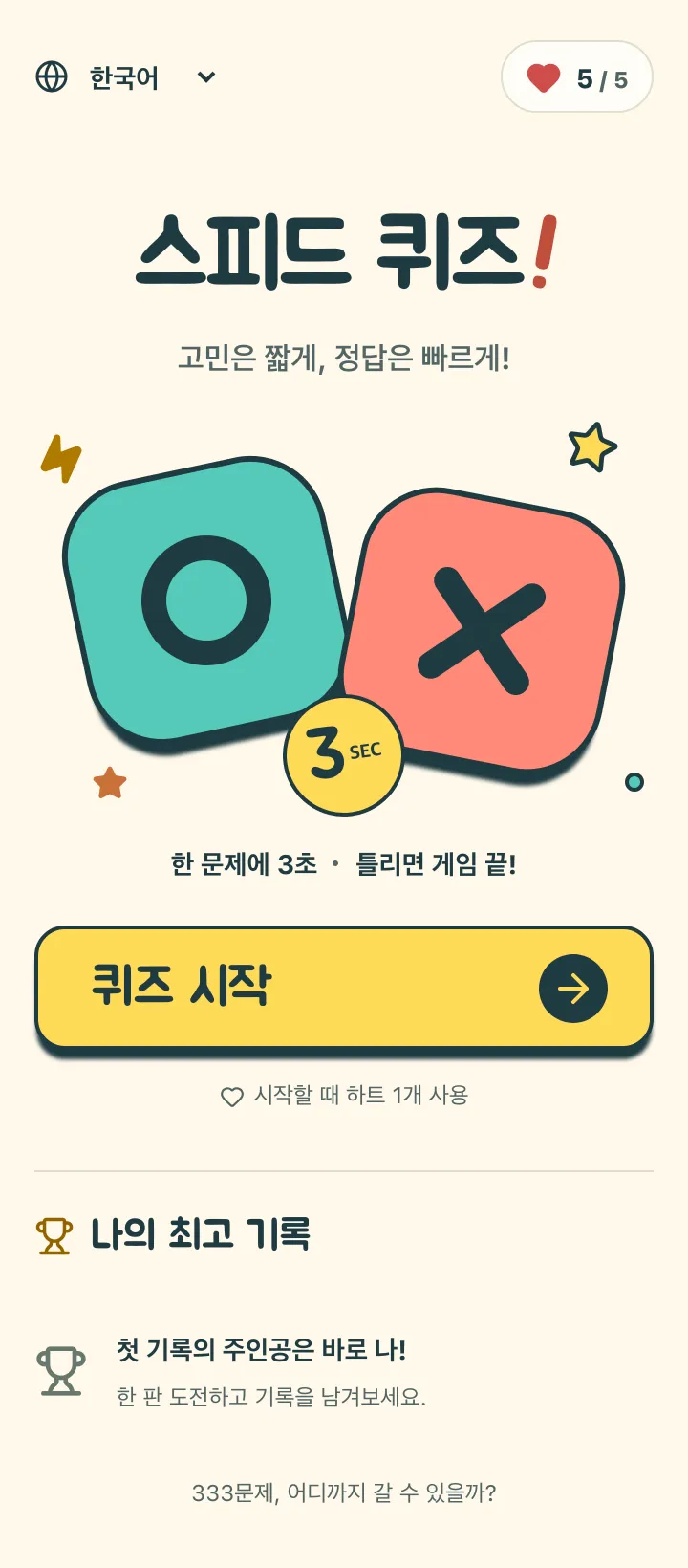
A home screen that helps you begin
Check your language and available hearts, then start a run. Nearby text explains the three-second rule and the one-heart entry cost.
Personal records sit below the start area. An empty state invites a first run; once you have played, past records give the next attempt a concrete target.
A distinct reading area and large answer controls
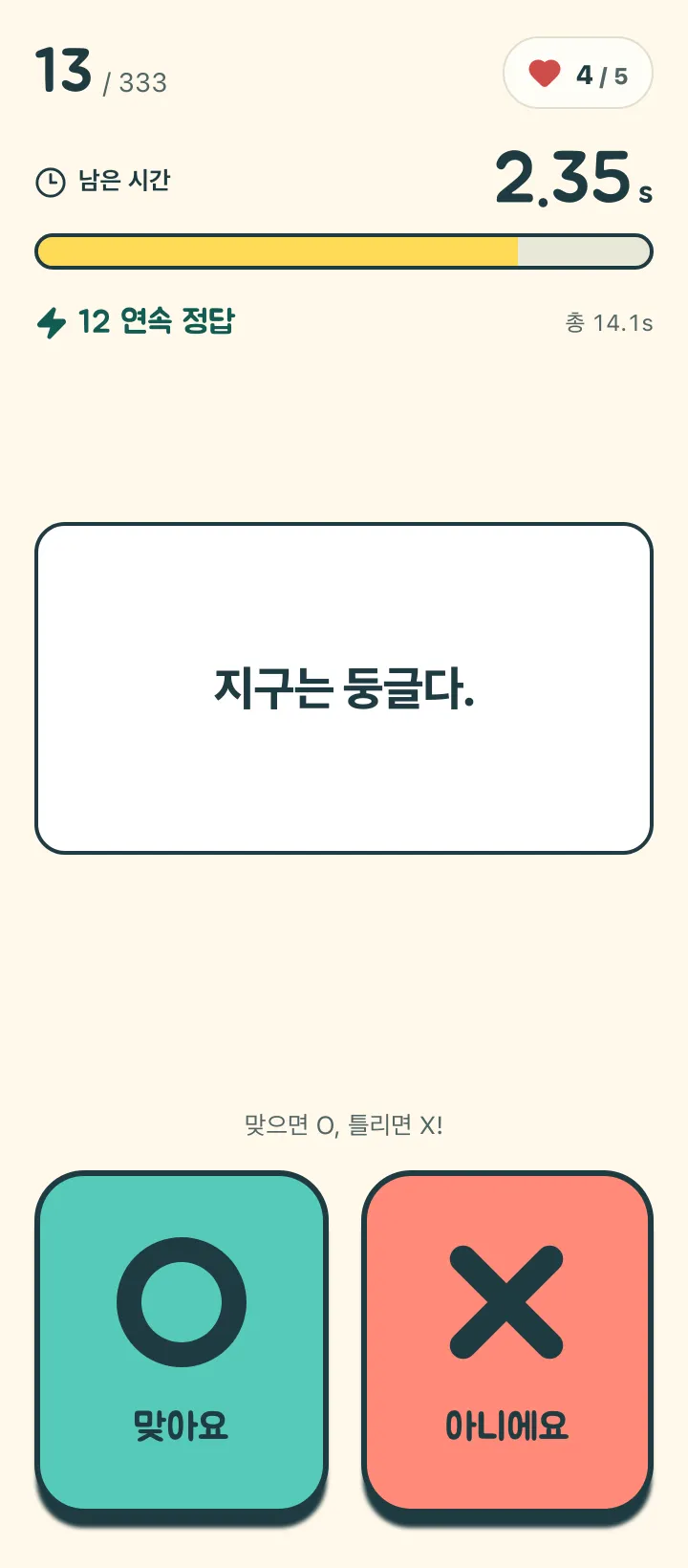
The statement sits on a light question surface, with two large answer pads below. Keeping the reading area and actions separate makes their roles clear.
O and X use labels as well as symbols and color. The controls stay in the same place as questions change, supporting a steady read-and-answer rhythm.
A visible timer and quick feedback
A number and shrinking bar show the remaining time above the question. The timer has a clear place without becoming part of the statement you are reading.
Correct answers still advance immediately. Streak indicators and brief celebrations add feedback without asking you to wait through a long sequence before the next decision.
From a result to a new target
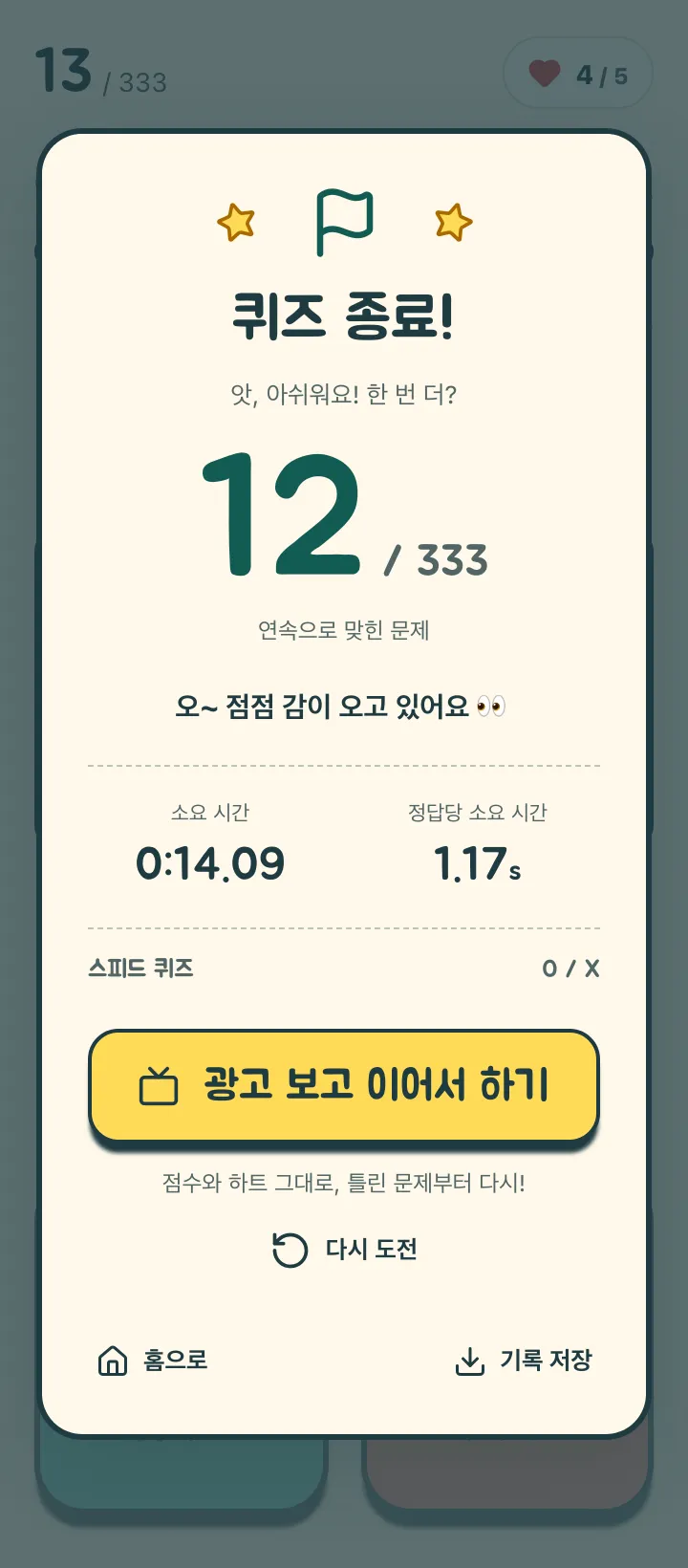
The result screen emphasizes the correct-answer count alongside time information, with actions to save the result or try again. Personal records on the home screen let you revisit your previous runs.
Try choosing a specific goal for the next attempt: one more correct answer. The 12-point score pictured here is an example captured by playing the actual app.
New design, the same three-second rule
Choose O or X within three seconds, move on after a correct answer, and work toward 333 questions. A wrong answer or timeout ends the run.
The current app offers optional rewarded-ad continuation after a wrong answer; timeouts require a new game. Hearts recharge over time, and Korean and English are supported. Hearts, records, and saving are described as current capabilities, not as features all introduced by this visual refresh.
A simple way to revisit the game
If you have not played for a while, use your first run to get familiar with the refreshed screens.
- Check the new home screen and your hearts.
- Read a complete statement, then choose O or X before time runs out.
- Review your score and time; save a result you want to keep.
- Set your next target one correct answer higher.
A fresh look for a familiar quick decision
This refresh gives the three-second OX loop a cheerful, coherent setting. Whether you are discovering the game or returning to your records, the next step is simple: start one run and see how far you get.