
Key Takeaways
- A useful meal planning app connects planning, grocery preparation, and actual meal logging.
- Start with fixed appointments and ingredients you already have, then fill gaps with repeatable meals.
- MealLog combines weekly and monthly calendars, templates, copying, grocery notes, and meal records.
What is a meal planning app?
A meal planning app is a tool for placing breakfast, lunch, dinner, and snacks on specific dates and saving repeatable meals as templates. Automatic menu generation matters less than whether weekly and monthly views, quick editing, copying, grocery notes, and actual meal records work together. Start with two or three difficult dinners instead of filling all 21 weekly meals, then expand the plan after the routine feels useful.
Stop deciding what to eat three times a day
Choosing every meal at the last minute creates extra decisions, unplanned grocery trips, and more temptation to order delivery. A good meal planning app should do more than suggest recipes. It should connect the weekly plan to shopping and the meals you actually eat.
Five features to look for
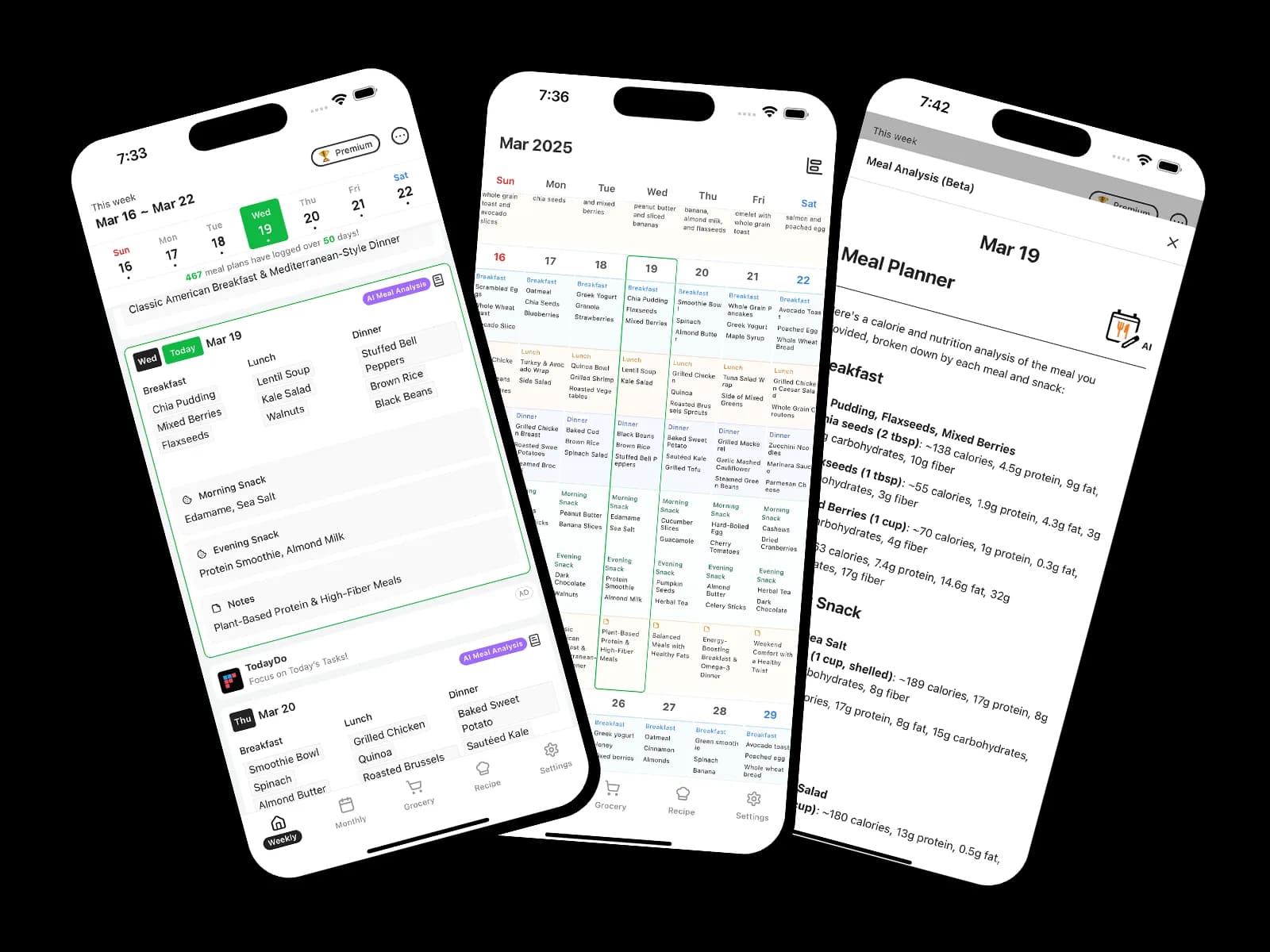
1. Weekly and monthly calendar views
A full-week view lets you place restaurant meals, busy days, breakfast, lunch, dinner, and snacks in context.
2. Editable meal plan templates
Templates should be a starting point that you can adapt to your preferences, allergies, schedule, and available ingredients.
3. Copy and paste
Reusing a successful day or week is more practical than inventing a completely new menu every Sunday.
4. Grocery notes
Keeping the shopping list beside the plan reduces duplicate work and helps you buy only what the week requires.
5. Plans and actual meal records together
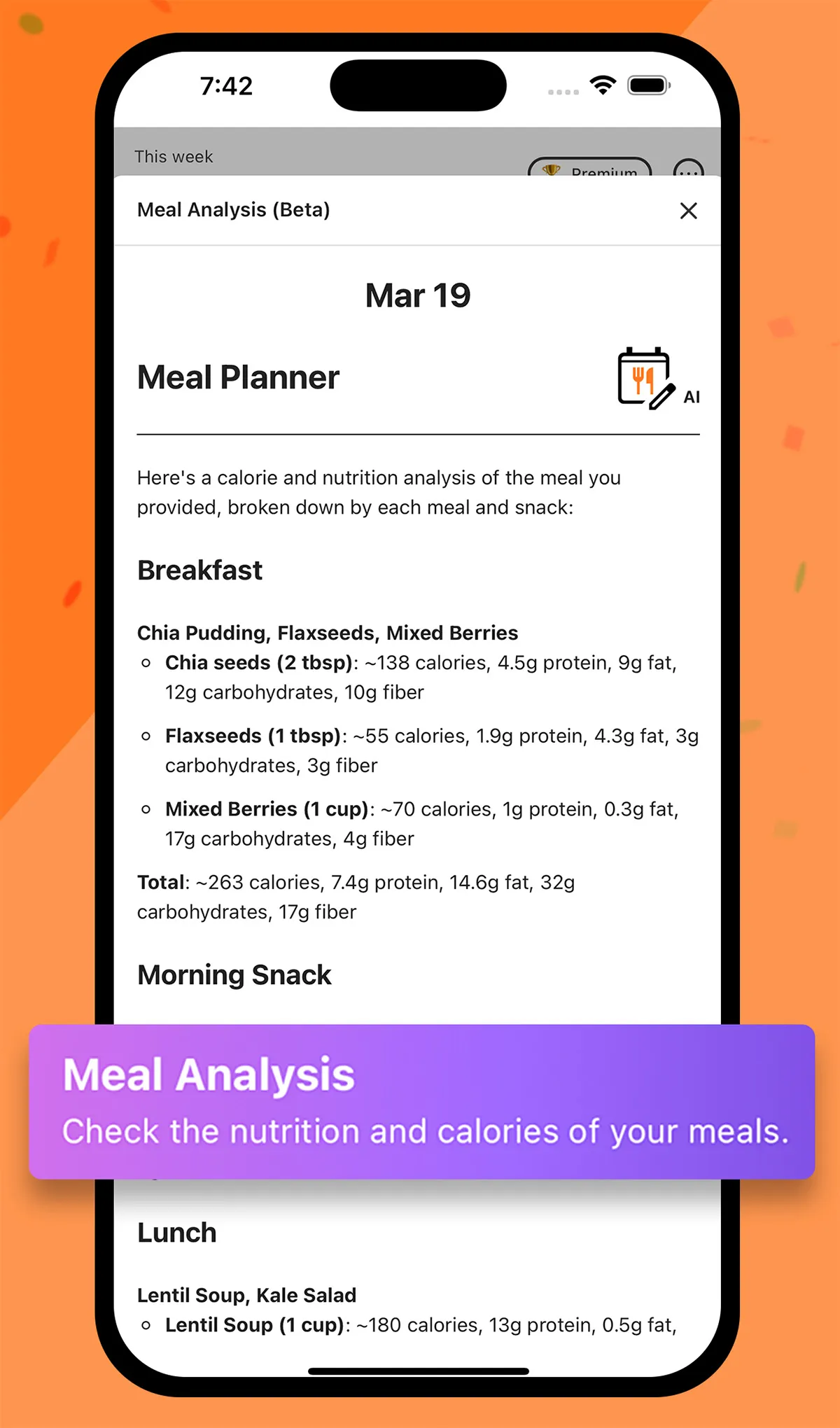
Logging what you really ate helps you adjust next week. AI nutrition analysis can serve as a reference when reviewing records.
Meal planning app selection criteria at a glance
| Check | Useful standard | Why it matters |
|---|---|---|
| Schedule view | Weekly and monthly meals on one screen | Spot duplicate meals and empty slots quickly |
| Entry speed | Templates and copying from past plans | Reduce setup work as the routine repeats |
| Editing | Quickly add, remove, or change meals | Adapt when appointments or restaurant meals change |
| Grocery connection | Write grocery notes beside the plan | Reduce forgotten ingredients and duplicate purchases |
| Actual records | Keep planned and eaten meals together | Decide what to retain or replace next week |
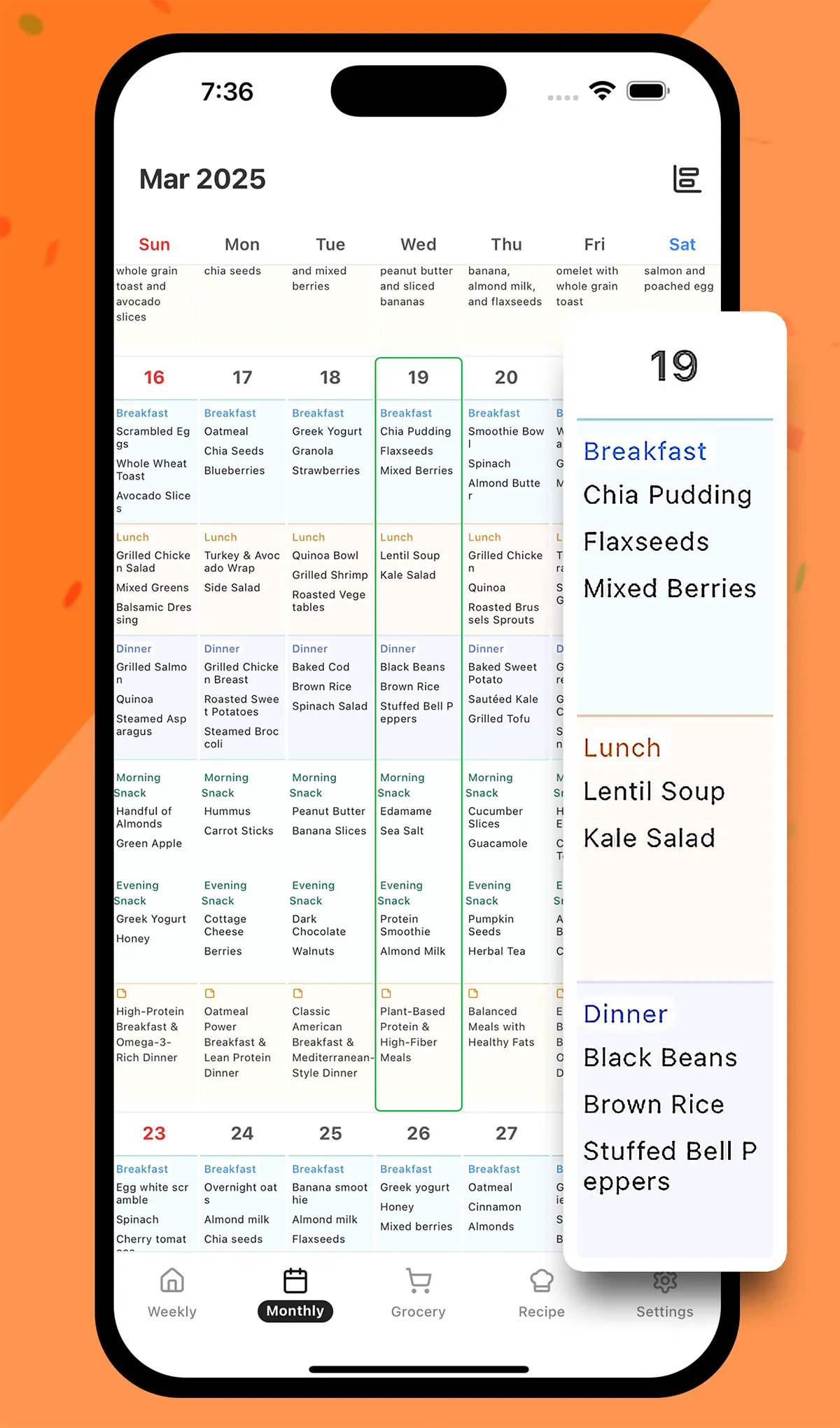
A realistic five-step weekly planning routine
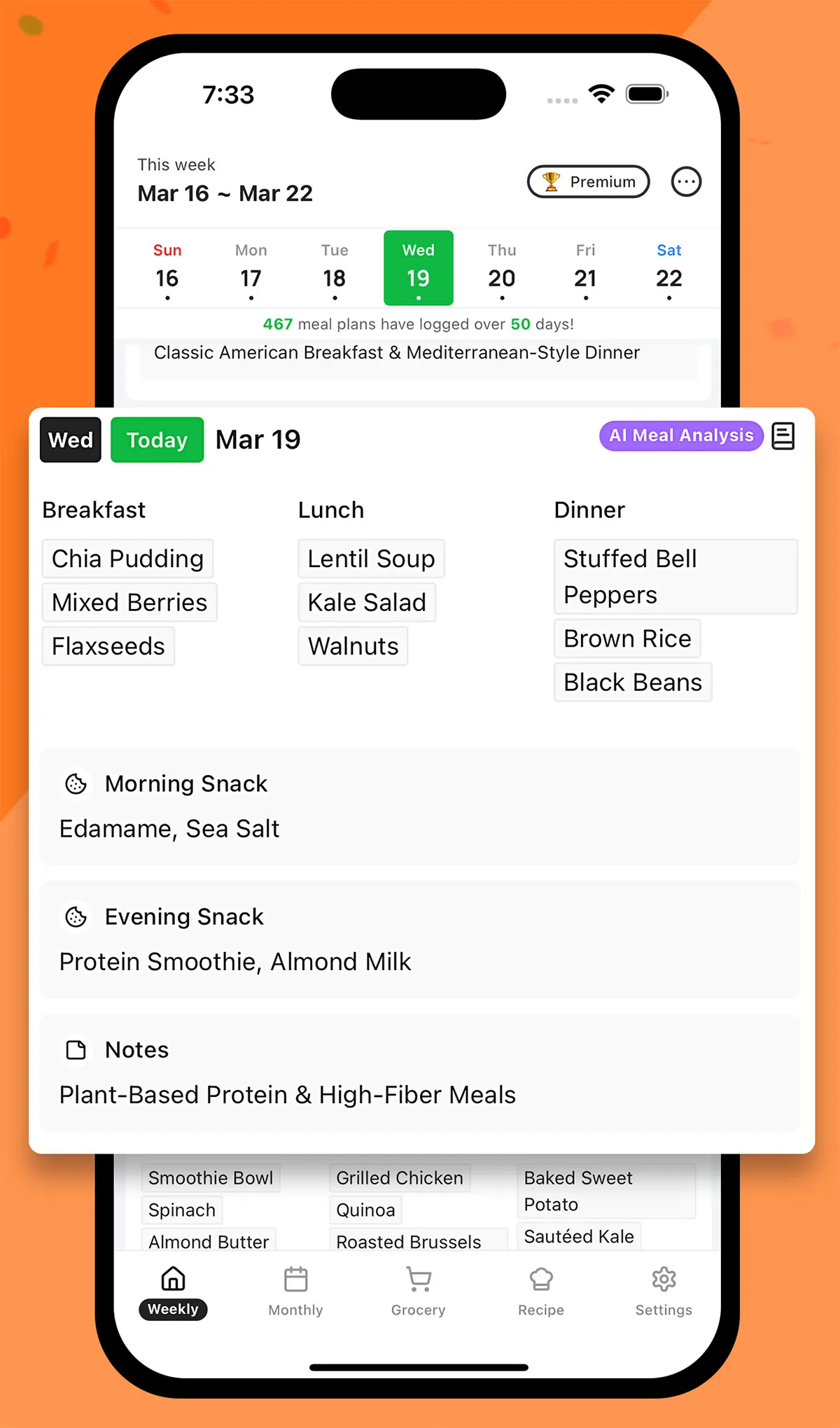
Add restaurant meals and fixed appointments first. Next, use ingredients that need to be eaten soon for two or three meals. Fill busy days with simple repeatable options, use templates for the remaining gaps, and turn the finished plan into grocery notes. At the end of the week, copy what worked and replace only the meals that did not fit your routine.
Automated suggestions are a starting point, not medical or nutritional prescriptions. Adapt them to your cooking time, budget, allergies, and health needs, and consult a qualified professional when you need a therapeutic diet.
Frequently asked questions about meal planning apps
Do meal planning apps automatically suggest menus?
It depends on the app. More important than automatic generation is whether you can adapt a suggestion to your budget, allergies, cooking time, and preferences, then reuse the result.
How many meals should I plan when starting?
Do not try to fill all 21 weekly meals at once. Start with two or three dinners that are usually difficult to decide, and add fixed appointments and restaurant meals first.
What should I do when I do not follow the plan?
Record what you actually ate and why the plan changed. At the end of the week, copy the meals that worked and replace only the options that were unrealistic.
Build a plan you can follow with MealLog
MealLog brings weekly and monthly meal calendars, themed templates, copy-and-paste tools, grocery notes, and actual food records into one app. Start by adding this week's appointments and two meals made from ingredients already in your kitchen. Then use a template to fill the remaining gaps and build a weekly plan that fits real life.