

Key Takeaways
- A bright blue, yellow, and mint design refreshes the home screen, questions, explanations, and bookmarks.
- New sounds and short haptic feedback mark correct and incorrect answers. Switch them off together or adjust the sound level in settings.
- True-or-false, multiple-choice, and written answers connect with explanations and bookmarked review. The app is available in Korean only.
After reading the Bible, you may want to check what you remember. Bible Quiz ChakChak turns that moment into a question you can work through. This refresh makes the Korean-language app easier to read and adds sound and vibration when you check an answer. The screenshots in this article show the Korean interface.
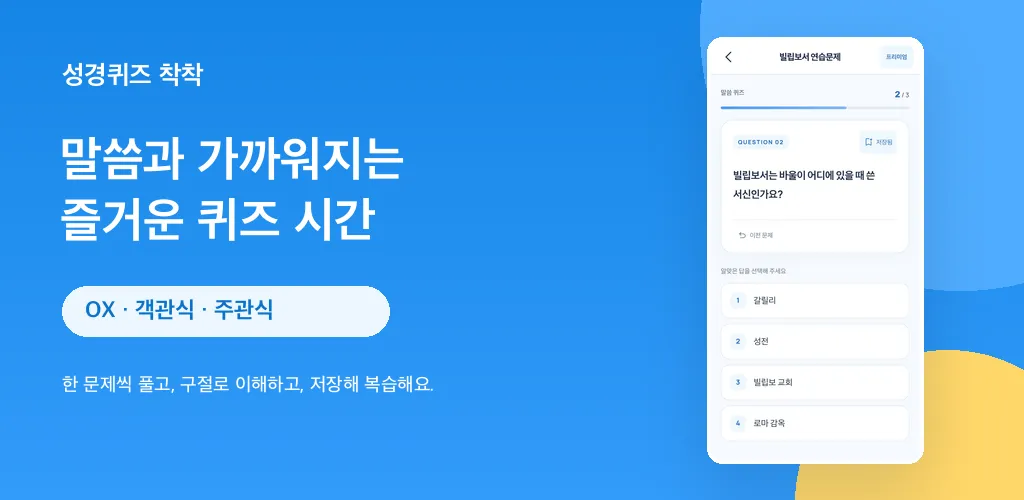
1. A clearer place to read and think
The familiar blue now sits alongside soft yellow and mint accents. Refined spacing separates questions, answer choices, and explanations, so each step has a clear place on screen. The updated cards give longer questions and Bible passages room to be read at your own pace.
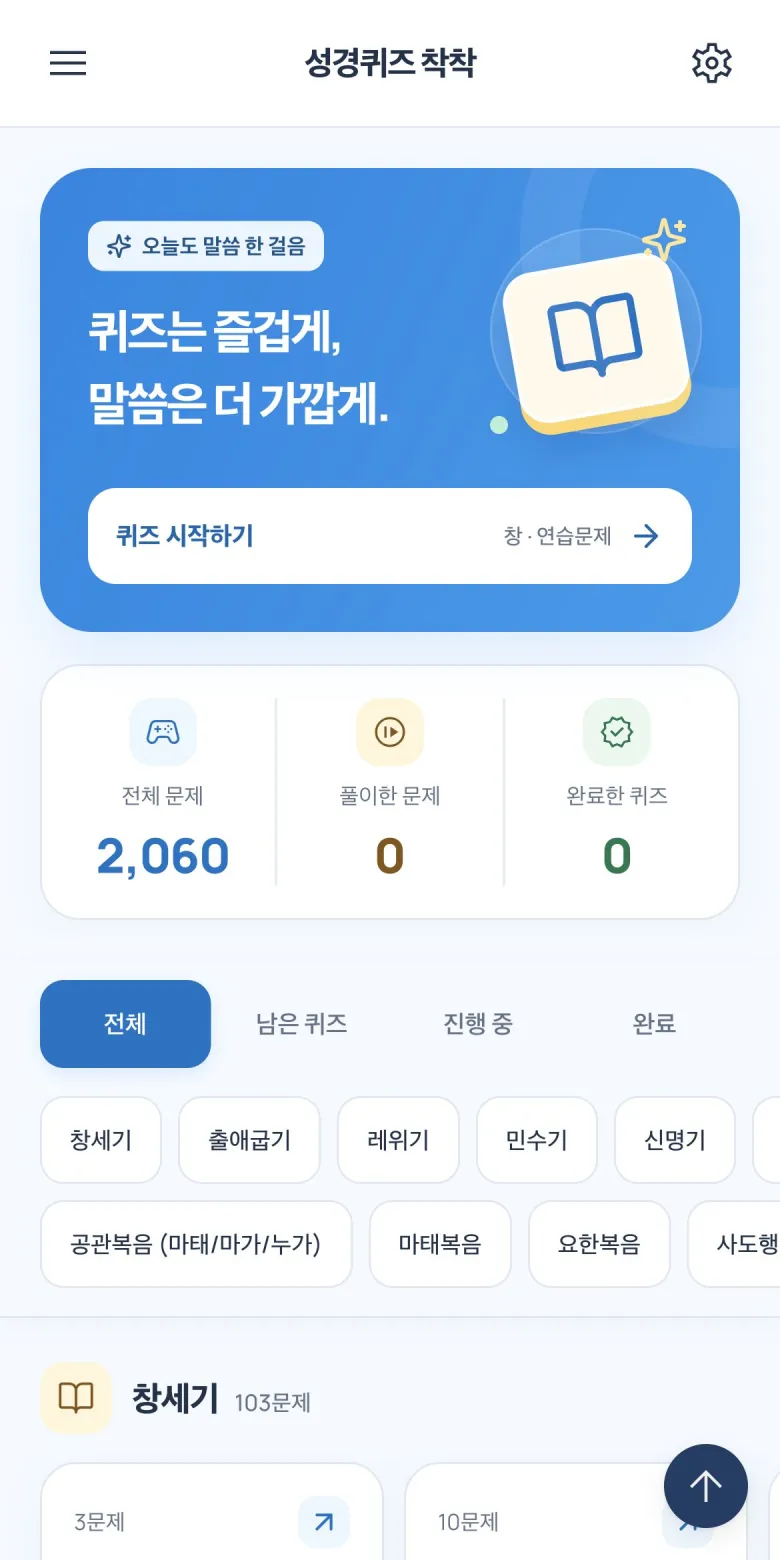
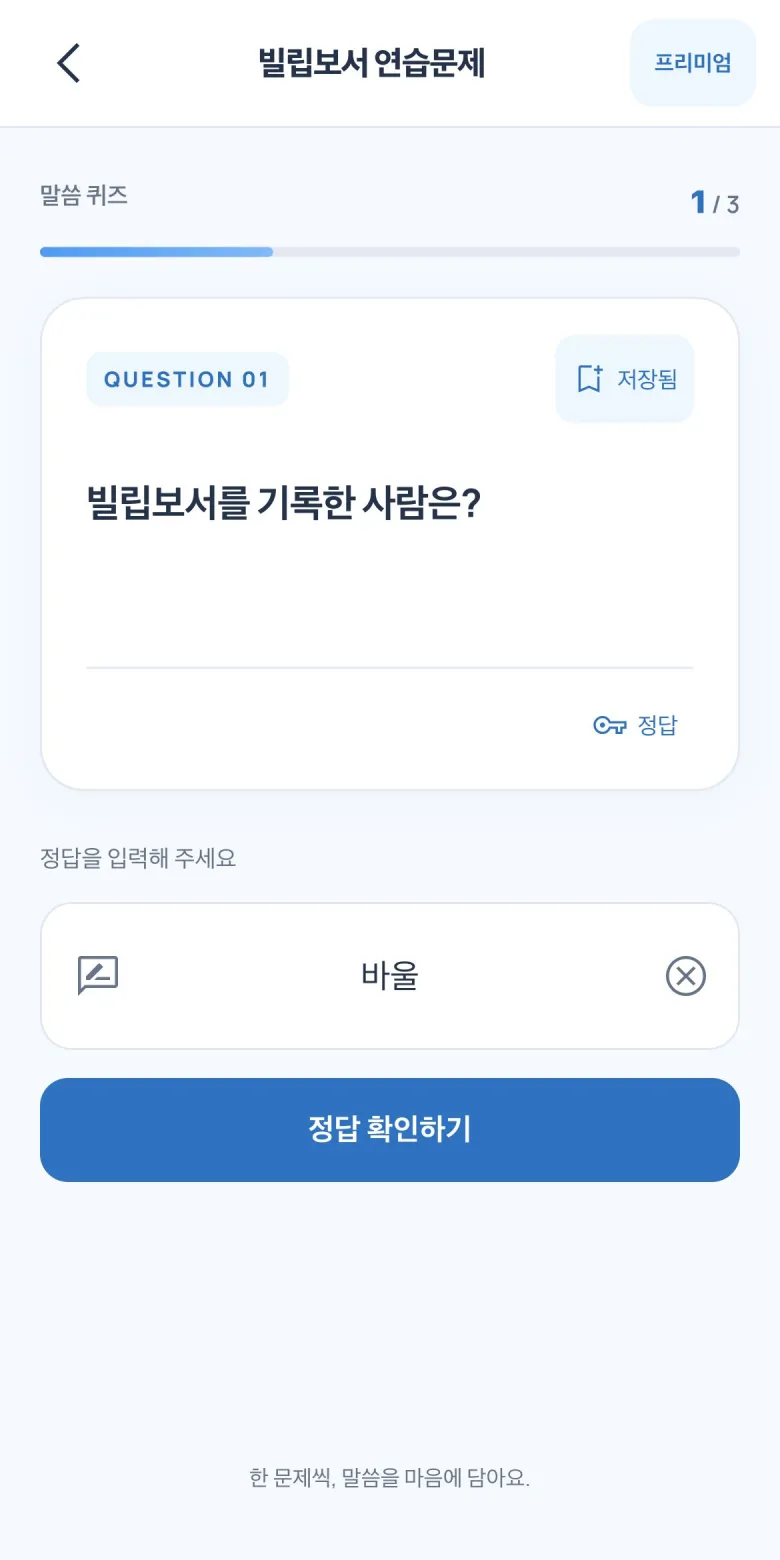
2. New: sound and haptic feedback
Correct and incorrect answers now have sound effects and short haptic feedback. For quiet study, turn both off with the “퀴즈 효과음·햅틱” setting. With sounds enabled, you can choose a volume level and preview it before continuing.
3. Find a quiz and return to your progress
Book shortcuts and filters for all, remaining, in-progress, and completed quizzes were added in the preceding update and remain part of the refreshed home screen. Find a book you have just read, or use the in-progress filter to find a quiz you started earlier. The home screen also shows your question and quiz progress.
4. Choose an answer—or write your own
The existing true-or-false, multiple-choice, and written-answer formats continue in the new design. Judge a statement, compare choices, or recall an answer without a list in front of you. If a written question leaves you stuck, use its hint to help you think again.
5. Understand the answer, then save a review question
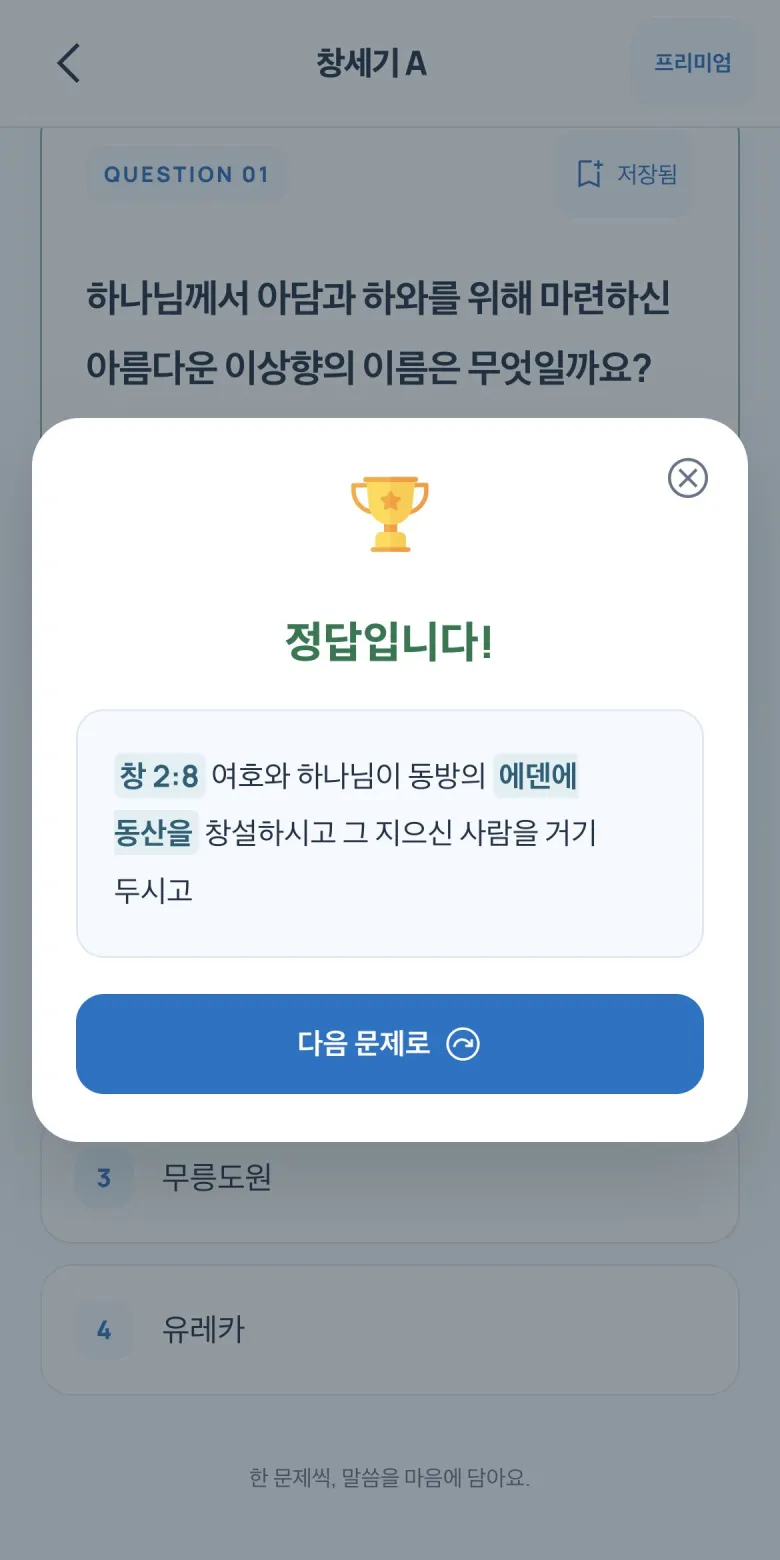
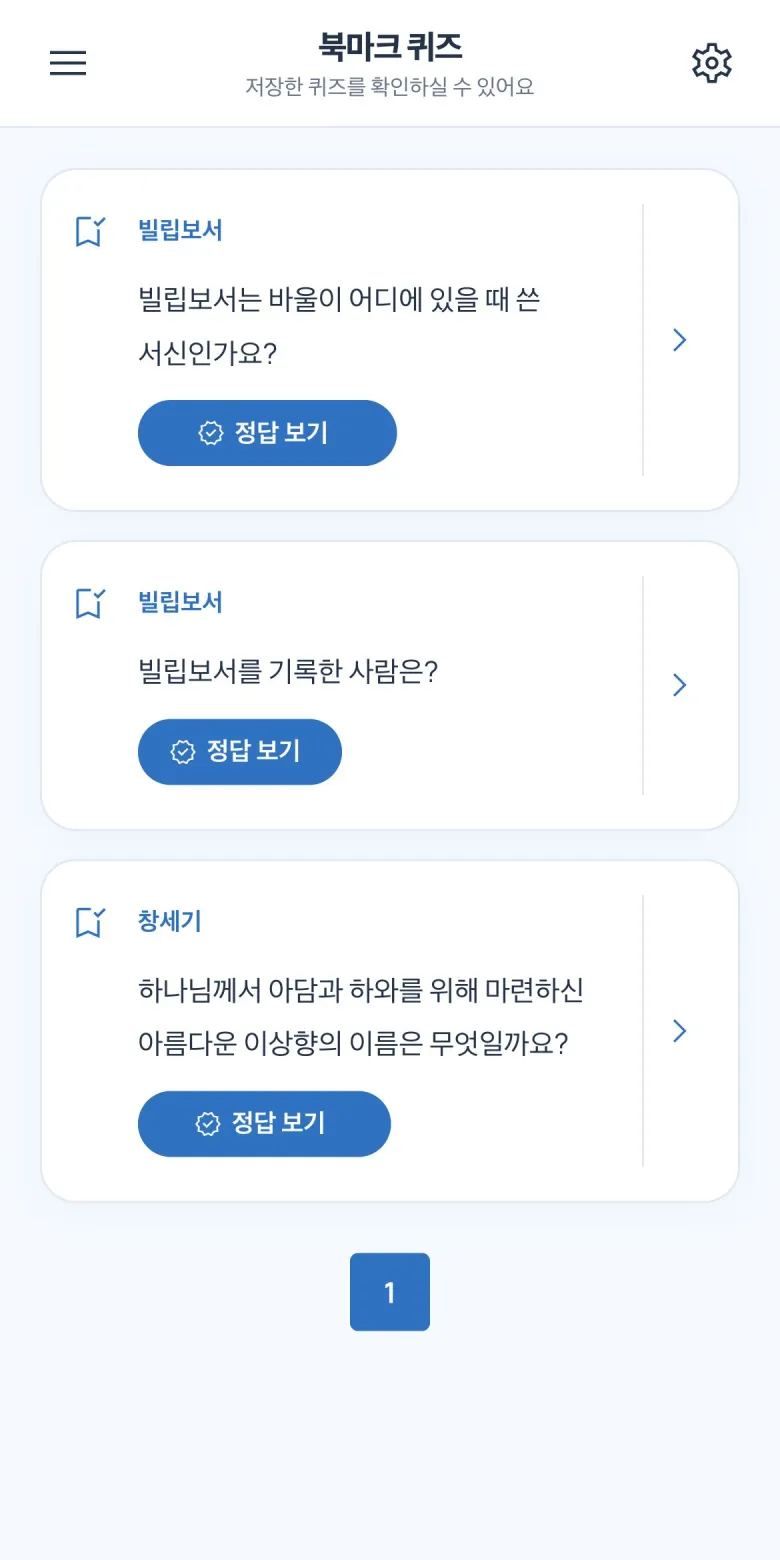
Read the Bible passage in the explanation to check the basis for the answer. If it raises a question, open your Bible and explore the surrounding context. Bookmark a question you want to revisit; the saved list lets you check answers or try those questions again.
6. A clearer premium overview
The premium screen now presents its benefits more clearly, including access to all quizzes and study without ads. The app is free to download, with some quizzes reserved for premium users. See the app for current pricing and purchase terms.
A small routine, from one question to review
- Choose a quiz for a book you have read or want to explore.
- Answer a question and read the passage in its explanation.
- Bookmark a question worth revisiting.
- Try that saved question again during your next study session.
A refreshed app with a familiar purpose
Bible Quiz ChakChak is designed to make a little time with Scripture easier to begin. Use it for personal study, a family conversation, or a quick review of what you have read. If you study in Korean, one question and one passage can be a simple place to start with the renewed app.